Shell Recharge Solutions
Case study EV Market Customer Support
Optimising Customer Support Ecosystem for Shell Recharge Solutions
A two-year contract rebuilding customer, technical, and financial support for one of the world's largest EV charging networks. Agents worked across three tiers in Salesforce with manual routing. I redesigned the operation around automated routing and integrated data solutions, reducing the need of manual work and errors.
Project overview
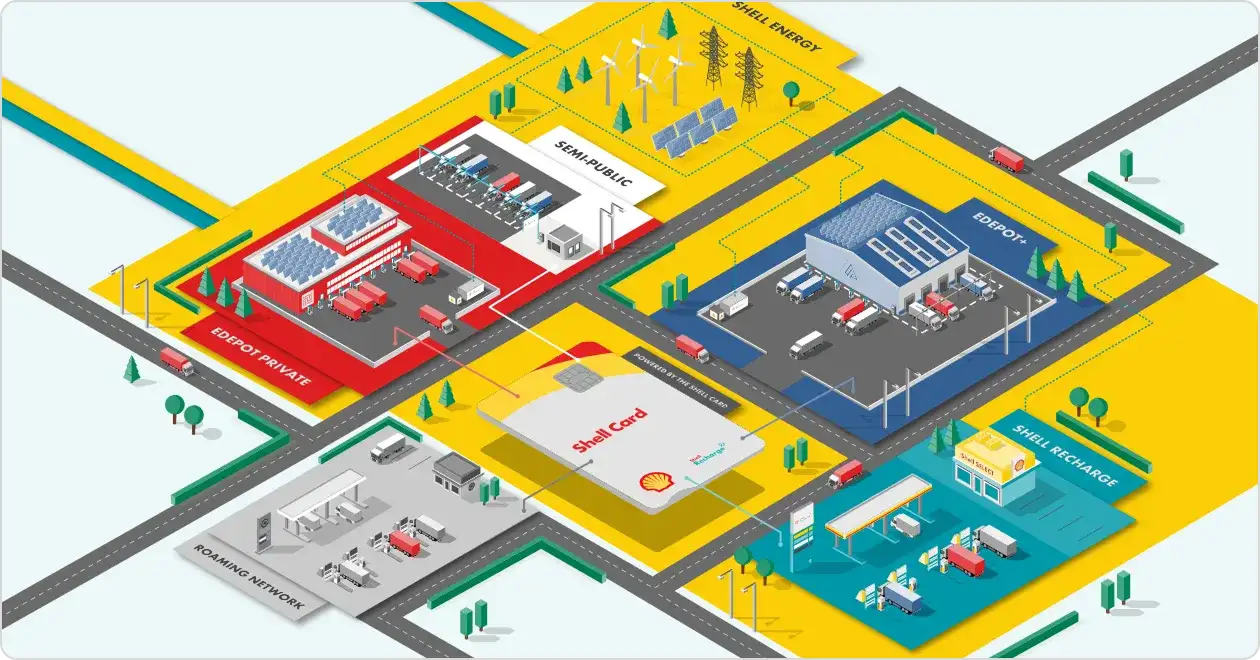
Shell Recharge runs one of the world's largest EV charging networks, serving enterprise fleet clients and individual drivers across multiple European markets. The customer support operation was newly formed and had low efficiency. I joined the Amsterdam team with ownership of the full support journey, from customer-facing touch-points through to agent tooling and internal frameworks.
The challenge
Agents had no structured way to capture diagnostic information at first contact, so they called customers back a second time to collect what they missed. Information moved between four divisions through disconnected tools with no central source of truth. Every query was routed as if it needed a human, regardless of complexity. The brief was to cut resolution times and cost per ticket by rebuilding the architecture around a single streamlined channel.
The process
01
Empathise
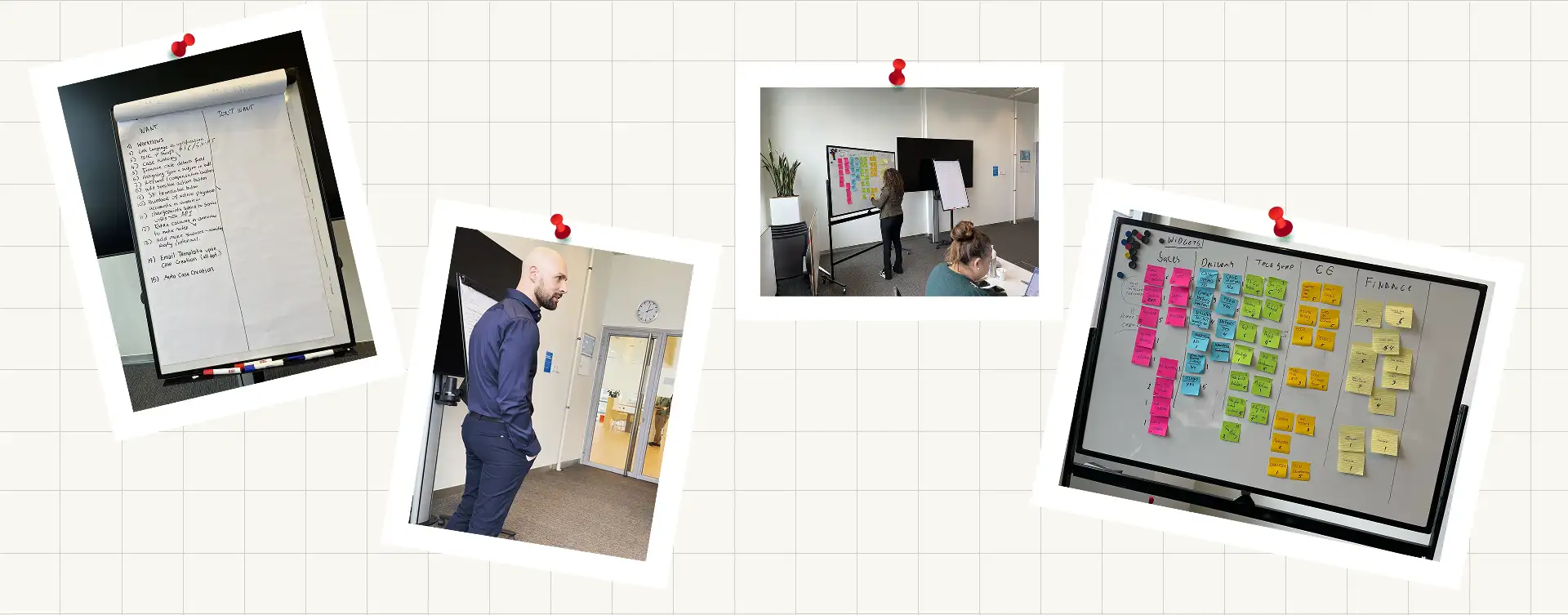
Twenty participants joined for 4 days of testing. Representatives from Customer Care, Sales, Tech Support, and Finance. Conducted interviews, group workshops, observation, and shadowing.
02
Define Journey
Maps and service maps exposing every manual step, workaround, and handoff gap in the end-to-end process.
03
Ideate
Card sorting, content positioning, and pain point sessions to segment queries by resolution path.
04
Prototype
Salesforce console customisation with Einstein flows, and coded in Salesforce intake forms tested with frontline agents.
05
Validate
Tracked the automation success rate, average handling time, and CSAT throughout my contract.
Research introduction
What I did
To build an accurate picture of the operation I had to step in my colleagues' shoes. I ran discovery combining individual interviews, group workshops, observation, and shadowing. Group whiteboard sessions produced journey maps and service maps that made the full process visible for the first time.
Research methods applied
Individual interviewsGroup workshops and whiteboard sessionsDirect observationShadowing live support calls
What I found
The findings were consistent across groups. Manual effort and workarounds, every agent had their own way of doing things, no standardised processes and tools. Information passed through disconnected tools instead of a central system. Agents had to type in a word document all answers from the clients, while keeping them on the phone. This greatly increased the time for every call. No standardised way of handling data between colleagues. It was strong case for consolidation and automation that shaped the redesign strategy.
Users
First line support agent
Division
Customer Care
Context:
Handles first contact for B2C drivers and B2B fleet managers. High volume, mixed query types, no structured intake tooling.
Primary need
Know what to ask and where to put the answer.
Technical support specialist
Division
Tech Support
Context:
Diagnoses charging hardware faults, firmware issues, and installation problems. Receives cases with partial information.
Primary need
Full diagnostic context before the case reaches the queue
Finance coordinator
Division
Finance
Context:
Resolves invoicing disputes, payment failures, and fleet account reconciliation. Depends on data captured by other teams.
Primary need
Consistent, structured case data and account visibility
Share of participants reporting each issue (max 20)
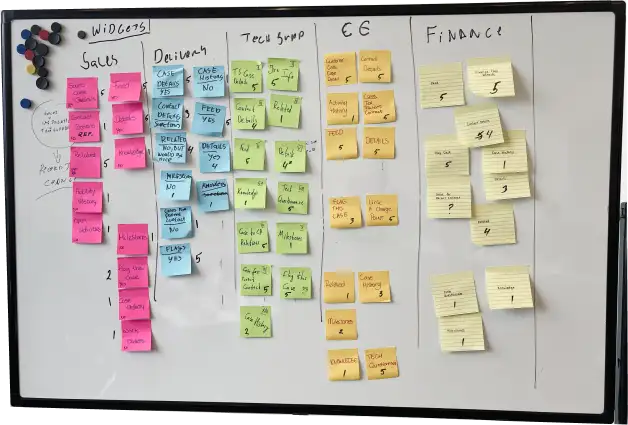
Evaluating the importance of widgets and information on the Account and Opportunities dashboards per division. This later was used to optimise the layout and provide hierarchy of information flow based on user needs.
Pain points
Delayed service
First-line agents work under pressure. Manual phone processes lead to mistakes. These errors delay resolutions and upset clients. Agents miss critical details. Simple calls take too long and require follow-ups. Backlogs grow.
Fragmented process
Systems remained disconnected. Colleagues shared data through various document types and paper notes. Fragmented channels left managers without visibility. This created gaps and duplications.
Frustration
Processes lacked standardisation. Agents had no shared way to handle or transfer information. Each agent developed a personal approach which led to errors and unhappiness among the agents.
Wasted resources
The escalation model misaligned with actual volume. Most queries followed predictable flows suited for automation. Very few required specialist intervention. The system still routed every query to a human agent.
Support journey and task flow
We mapped resolution paths to organise customer requests. Most queries followed predictable logic. A small number required specialist review. This division drove first part of the optimisation design.
I introduced RICE scoring, MoSCoW analysis and Impact versus Effort mapping to base roadmap decisions on evidence. We evaluated every UX initiative for business value and feasibility before adding it to the backlog. The scoring method made trade-offs clear when user needs conflicted with business goals. This approach gave stakeholders a transparent way to prioritise tasks.

Customers stated their issue to the chat before reaching a person. Einstein classified the query and selected the resolution path from that classification. Automatable queries resolved without ever occupying an agent.

We built an automated Salesforce form. We added predefined drop-downs and validation for emails, phone numbers and charger numbers. This setup improved information accuracy and capture speed.

We integrated severity tags to prioritise cases. We flagged repeat callers, electrical damage and human harm for immediate action. Lower impact cases received standard routing.

Integration of targeted questionnaires into the chat. This helped clients provide the correct information upfront. It gave them time to gather the required details. This approach reduced the number of questions agents had to ask.
MVP Prioritisation
Omnichannel Intent Routing in Salesforce
- Customers state their issue via text or voice before connecting.
- Keyword analysis triggers the correct matching flow.
- The system defaults to self-service resolution and routes to specialists when necessary.
- We maintained a single line for maturing markets like Spain and France.
Structured Intake Forms for Frontline Agents
- Agents complete guided forms within the Salesforce Lightning Console.
- Embedded field rules validate information automatically.
- Users provide upfront information to Einstein.
- Completed forms enter the technical queue with full context.
- Required fields prevent incomplete agent submissions.
Contextual Data Display
- Redesigned layouts improve information flow for cases, users, and financial support.
- Catalogued user data is grouped by relevance and importance.
- The new structure speeds up the user journey from research to submission.
Ideation session
Initial brainstorming
Based on thorough research, information clustering, and team-identified insights. This session aimed to gather a broad spectrum of ideas and identify key areas of focus.
Technical feasibility review
We collaborated with the front-end and back-end development teams to assess the technical viability of the ideas generated in the first session. We also prioritised these ideas based on feasibility.
Stakeholder alignment
We brought together product owners, developers, QA specialists, and the sales team to ensure that the proposed ideas aligned with business objectives and stakeholder requirements. This validation was crucial for securing buy-in from all relevant parties.
Reflection
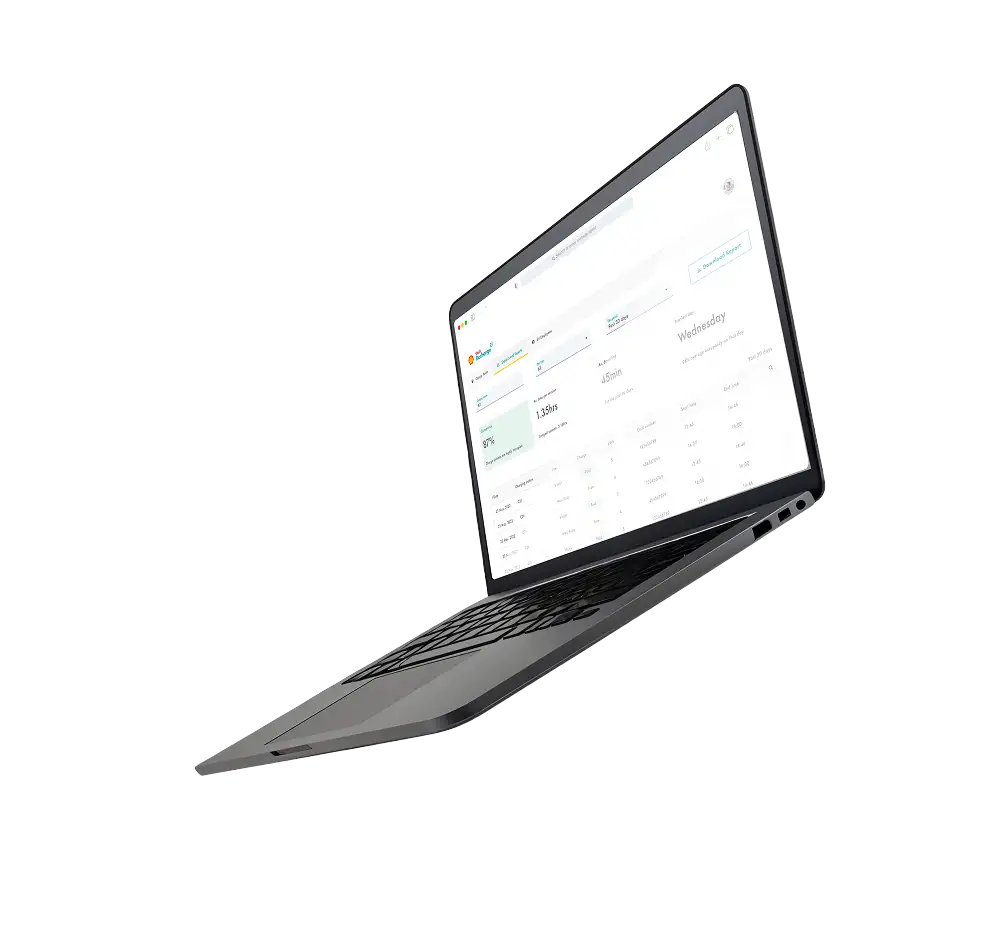
Structural problems show up as performance problems. Agents had to remember which questions each fault type needed, so they missed details or over-collected to be safe. Dynamic forms now show only the fields that fault requires, so the tech team gets the right information the first time.
Standardisation before automation. The instinct was to automate immediately however we had to dig deeper and understand and align processes on which automation was implemented with precision and less noise.
Scoring beats arguing. RICE and MoSCoW gave every request a number, so sales, operations and engineering could see which work was worth more before anyone got attached to their own idea. Once the scores were on the table, agreeing on the backlog order was quick.
Automating the predictable queries freed 30 agents from repetitive work. Five moved into the specialist tier handling complex escalations. The rest moved into tech support, finance and sales, where their product knowledge had more value. Designing where people go next was part of the work.